
What changed
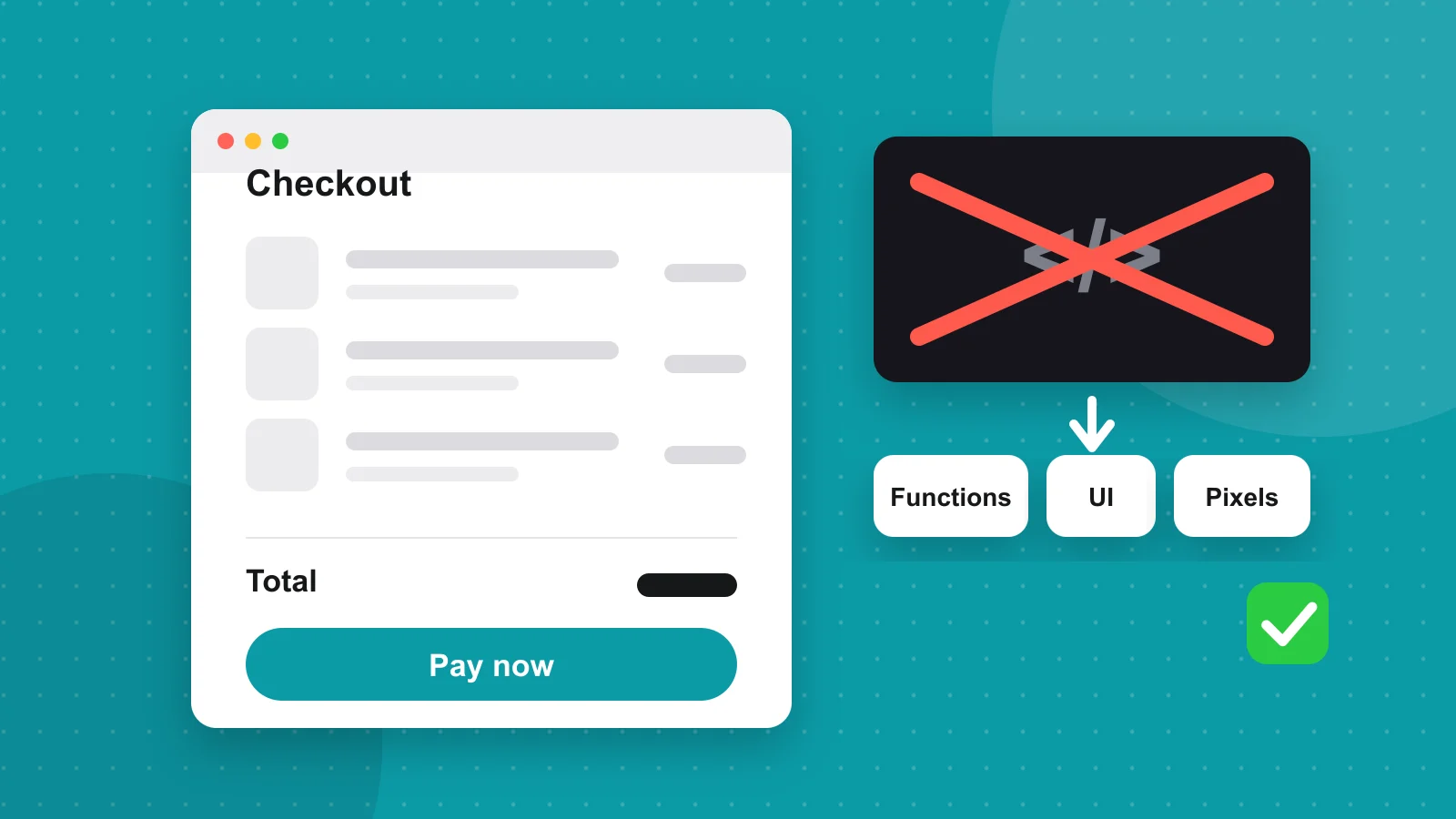
Shopify has replaced the old way of customising checkout with a newer, supported one. Shopify Scripts, the Ruby snippets that powered custom discounts, shipping rules and payment rules, stopped running on 30 June 2026. The checkout.liquid template, and the additional scripts box that went with it, was retired for non-Plus stores at the end of August 2026.
Nothing warns you when this bites. The symptoms are quiet: a tiered discount that no longer applies, a free-shipping threshold that is ignored, a trust badge that has vanished from checkout, or conversion tracking that suddenly reports zero.
Step 1: list what your checkout used to do
Place a test order and compare it with what you remember. Then go through the old code, if you still have it, and write one line per behaviour: what it did, who it applied to and why it existed. Common ones are volume discounts, hiding a shipping or payment method for certain products, a custom message, a gift-wrap field and analytics or ad pixels.
You will often find pieces nobody needs any more. Retiring them is cheaper than rebuilding them.
Step 2: move each job to its new home
Each thing the old checkout did now has a supported replacement. Match every line of your list from step 1 to one of these.
- Custom discounts (Scripts) become Shopify Functions for discounts, usually through an app.
- Hiding or renaming shipping rates becomes a delivery customisation Function.
- Hiding or reordering payment methods becomes a payment customisation Function.
- Banners, extra fields and upsell blocks become checkout UI extensions.
- Colours, fonts and the logo are set in checkout branding, in the theme editor.
- Tracking tags and pixels become web pixels, under Customer events in your settings.
Step 3: repair tracking first
Broken tracking costs you twice: you lose the data and your ad platforms optimise on bad signals. Reinstall each pixel through the platform’s Shopify integration where one exists. For anything custom, add a custom pixel under Settings, Customer events, and subscribe to the purchase event.
This example sends a purchase to Google Analytics. Load your gtag snippet at the top of the same pixel, then replace the event name or fields to suit any other tool.
analytics.subscribe('checkout_completed', (event) => {
  const checkout = event.data.checkout

  gtag('event', 'purchase', {
    transaction_id: checkout.order?.id,
    value: checkout.totalPrice?.amount,
    currency: checkout.currencyCode,
    items: checkout.lineItems.map((item) => ({
      item_name: item.title,
      quantity: item.quantity,
      price: item.variant?.price?.amount,
    })),
  })
})Step 4: when an app is not enough
If your rules are unusual, a developer can build a Function of your own inside a small app. The Shopify CLI scaffolds it for you: create the app, then generate an extension and choose the discount, delivery or payment Function template.
npm install -g @shopify/cli@latest
shopify app init
cd your-app-name
shopify app generate extension
# choose a Function template: discount, delivery or payment customisation
shopify app dev
Step 5: test on a copy, then place real orders
Build and check the new checkout on a development or preview theme, not the live store. Test with a discount code, a product that should change shipping, a mobile phone and a first-time customer. Finish by placing one small live order and refunding it, so you know the full path works.
If this feels like more than you want to take on, it is a well-bounded job that takes a developer days rather than weeks for most stores. Bring the list from step 1 and the rest is straightforward.
Common questions
Did Shopify Scripts really stop working?
Yes. Shopify set 30 June 2026 as the date Scripts stopped running, and any discount, shipping or payment logic that lived in a Script stopped applying from then. Rebuild it with Shopify Functions.
What replaces checkout.liquid?
Checkout extensibility: checkout UI extensions for interface changes, checkout branding for the look, web pixels for tracking, and Functions for discount, delivery and payment logic.
Do I need Shopify Plus to customise checkout now?
Branding and apps built on Functions are available on every plan, but some checkout steps can only be extended on Plus. Check what your plan allows before commissioning custom work.
How do I know whether my checkout lost something?
Place a test order with a discount code and a product that should change shipping, compare the result with what you expect, and confirm your purchase event still arrives in your analytics tools.
Have a project in mind? I reply within a day or two.