
Why it happens
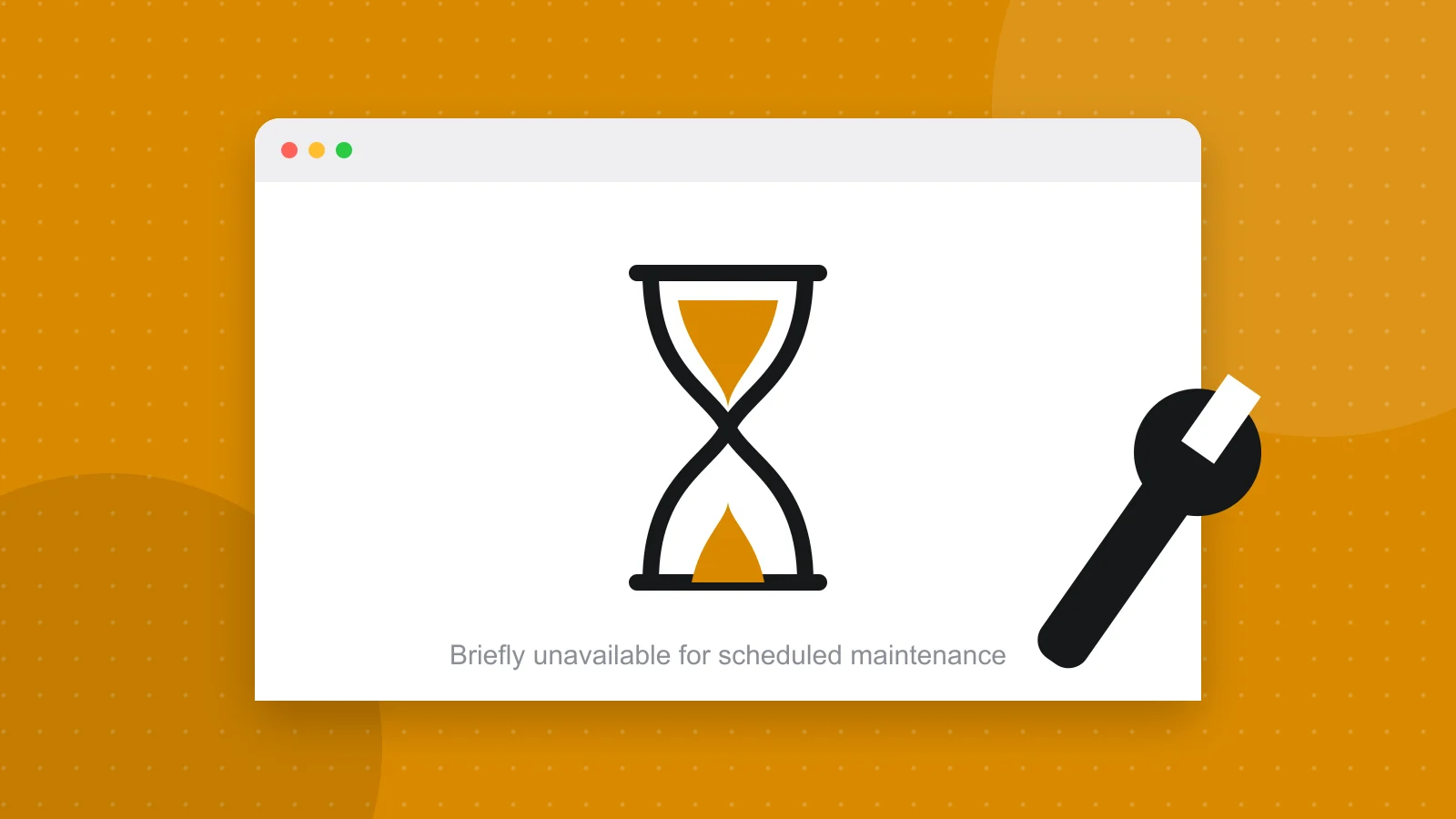
When WordPress updates a plugin, a theme or itself, it puts a temporary file called .maintenance in your site’s root folder and shows the message “Briefly unavailable for scheduled maintenance. Check back in a minute.” The file is removed when the update finishes. If the update is interrupted, by a closed browser tab, a timeout or a server hiccup, the file stays and your site stays locked.
The fix: delete the .maintenance file
Connect to your site by SFTP or your host’s file manager, open the folder that contains wp-config.php, and delete the file named .maintenance. It is hidden by default, so switch on the option to show hidden files. Reload your site and it should be back. If you have WP-CLI, one command does the same.
wp maintenance-mode deactivateThen finish what was interrupted
An interrupted update can leave a plugin or theme half installed. Log in, open the Updates screen and run the update again, one item at a time. If a plugin now causes errors, reinstall it or restore a backup. The post on the white screen of death covers how to find a broken plugin.
If a plugin controls the maintenance page
Some sites use a maintenance mode plugin, and forgetting to switch it off gives the same symptom. If deleting .maintenance changes nothing, check for one, and if you cannot reach the dashboard, rename that plugin’s folder inside wp-content/plugins to turn it off.
Stop it happening again
Run updates one at a time, on a stable connection, and never close the tab while they run. Better still, update on a staging copy first. Automatic updates on a schedule, with a backup before each one, avoid the problem entirely, which is what a care plan does.
Common questions
How long should the briefly unavailable message last?
Under a minute. If it is still showing after a few minutes, the update was interrupted and the .maintenance file needs to be removed by hand.
Where is the .maintenance file?
In the root folder of your WordPress install, next to wp-config.php. It starts with a dot, so your file manager may hide it until you enable hidden files.
Can I get into wp-admin while it is stuck?
Usually not, because the lock applies to the whole site. Delete the .maintenance file first, then log in and re-run the update.
Have a project in mind? I reply within a day or two.